Firefox zoom preferences
Firefox's default zoom preferences are ok, but if you want what Chrome & Edge provide (more than 300% zoom), you need to fiddle with it.
Increasing the maximum zoom
In the about:config page, you can increase the maximum zoom level from 300% with two values:
zoom.maxPercent, and set to 400 (for 400% zoom)toolkit.zoomManager.zoomValues, is what values the interface uses (the - / + buttons) and add the value 4 at the end for 400%. I use:
.5,.75,.9,1,1.1,1.2,1.33,1.5,1.7,2,2.5,3,3.5,4
That means you can get to 400% (or more) in the browser, which will help to test the new Reflow criteria from WCAG 2.1.
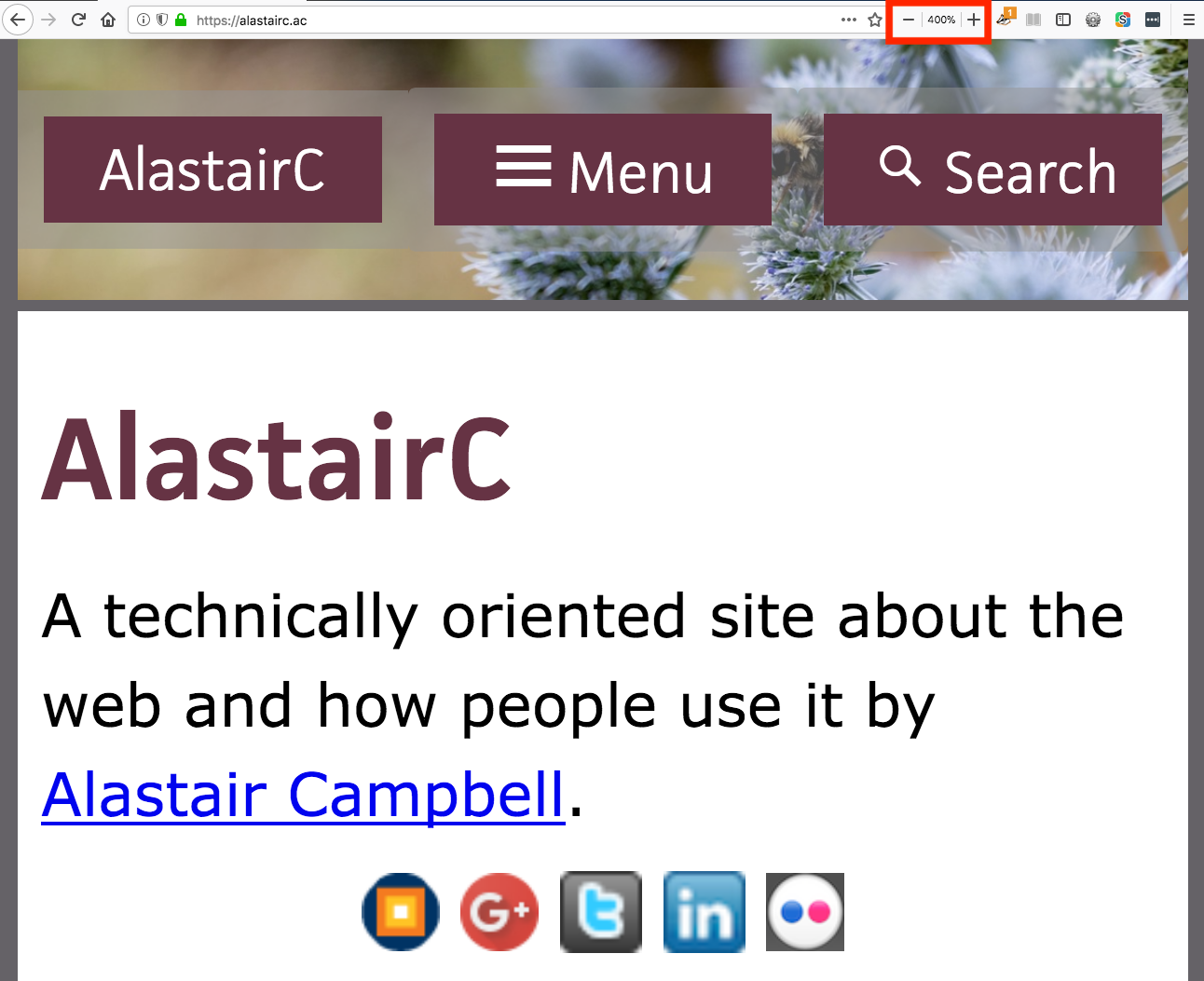
Going to 400% in Firefox
Increasing the default zoom
There does not seem to be an obvious method or configuration for this, the closest I could find is [layout.css.devPixelsPerPx](http://kb.mozillazine.org/Layout.css.dpi).
You have to be very careful with this one, setting something very small could make your Firefox profile unusable.
NB: I wanted this because I wanted to increase the size of mobile twitter in a Firefox sidebar, which doesn't have it's own zoom, or inherit from the size you view it in twitter.
I went to bugzilla to post a bug about needing to set default zoom level, and found this 12 year old bug. However, this comment from SeriogaM has a better approach:
Just in case if someone else is tired of hitting Ctrl++ on every new website - here is a simple workaround:
- Open Browser Console (Ctrl+Shift+J / Cmd+Shift+J).
- On the command line:
To Set Global Zoom (put whatever you want instead of 1.33) enter:
FullZoom._cps2.setGlobal(FullZoom.name,1.33,gBrowser.selectedBrowser.loadContext);To Reset (back to 1) enter:
FullZoom._cps2.removeGlobal(FullZoom.name,gBrowser.selectedBrowser.loadContext);
A stupidly technical way of setting a default zoom level, I hope the bug gets sorted soon. In Chrome none of this is necessary, you can set the default zoom level and get upto 400% zoom.
- ← Previous
Is text sizing dead? - Next →
Pixels vs Ems commentary