Browser Zoom Comparison
Translations
 There are several options available for increasing the apparent size of web pages, from simple increases in text size, to full screen magnification. Focusing on browsers, I’ll examine what options suit different people, and what implications this can have for web development.
Unfortunately, vision does not fit into easy categories. I’ll consider it a continuum for the purpose of looking at the types of magnification (i.e. from 20/20 vision to almost blind), just be aware that things like tunnel vision and colour blindness do not sit within the continuum.
Types of Zoom
There are two main types of ‘zooming’ function available in browsers: Magnification (a general increase-everything zoom), and Text zoom (increasing the font size). Neither of these are particularly well known amoungst regular internet users, but either can be helpful for a great number of people.
Increasing text size
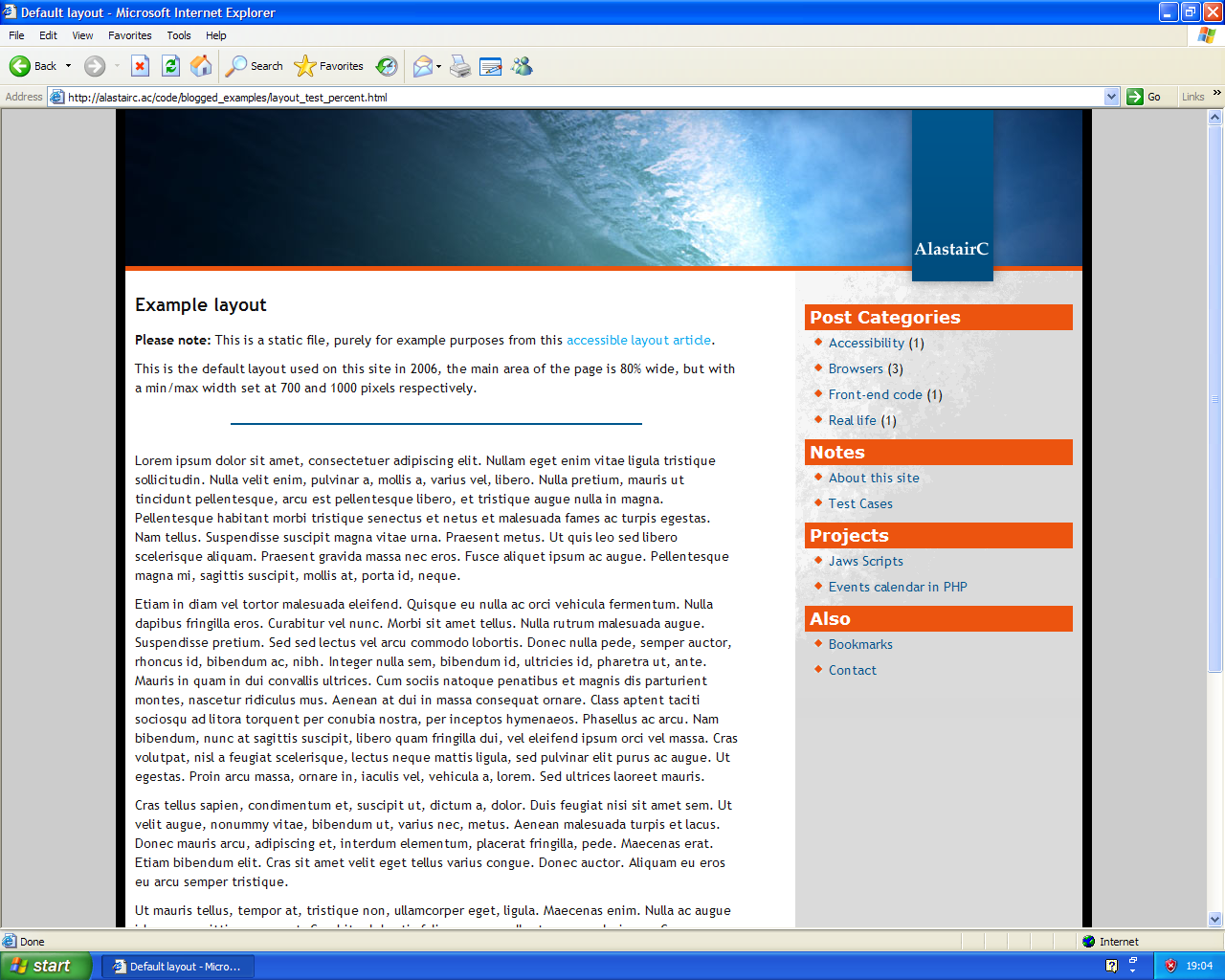
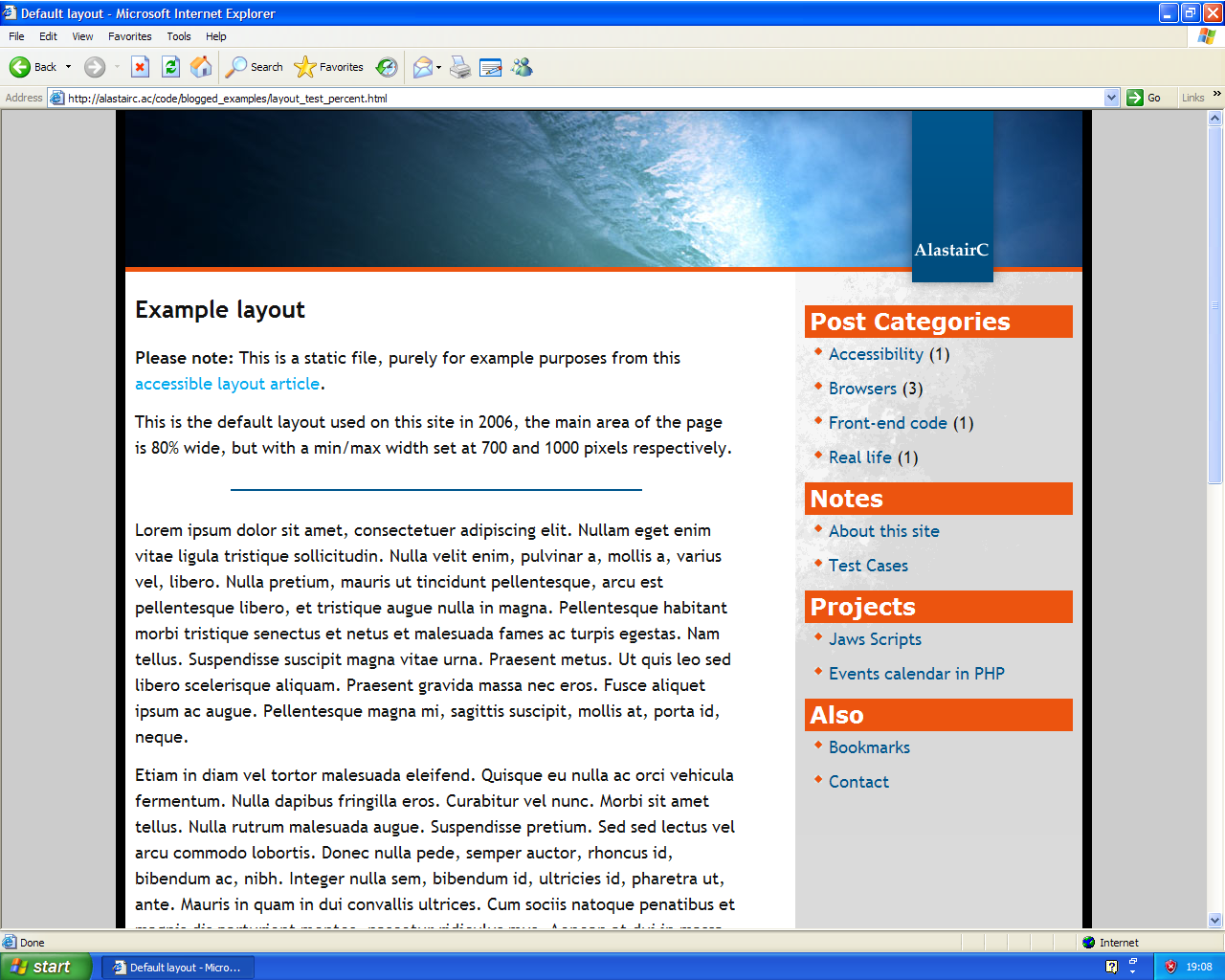
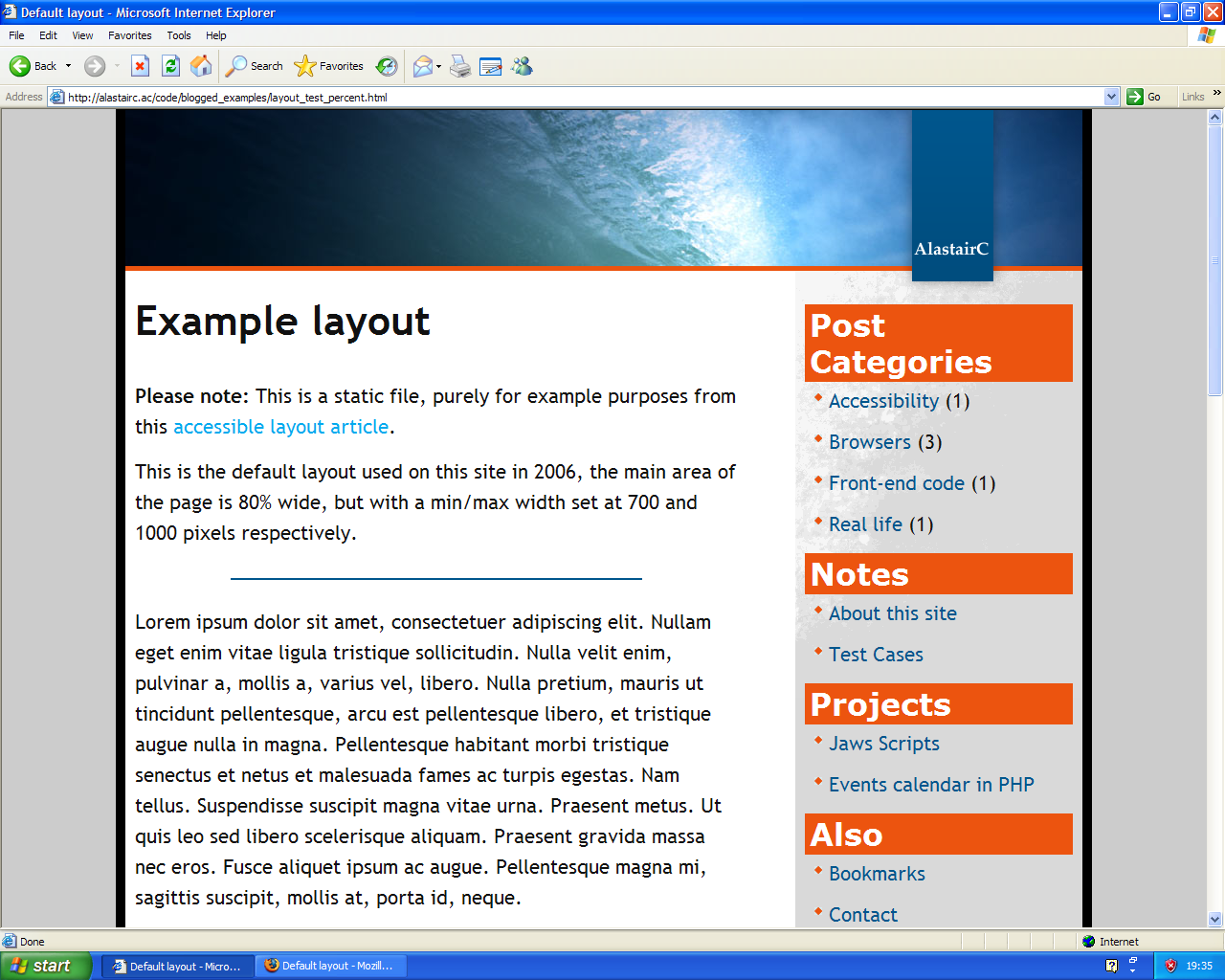
Using a standard page with a percentage based layout (i.e. it flexes with screen size), increasing the text size works in a very similar way across Firefox and Safari. Internet Explorer has a relatively limited range of text sizes:
IE6 at normal text size:
IE6 at its largest text zoom setting
IE6 with access settings for font sizes, at its largest text zoom setting
Firefox at a very large text zoom setting
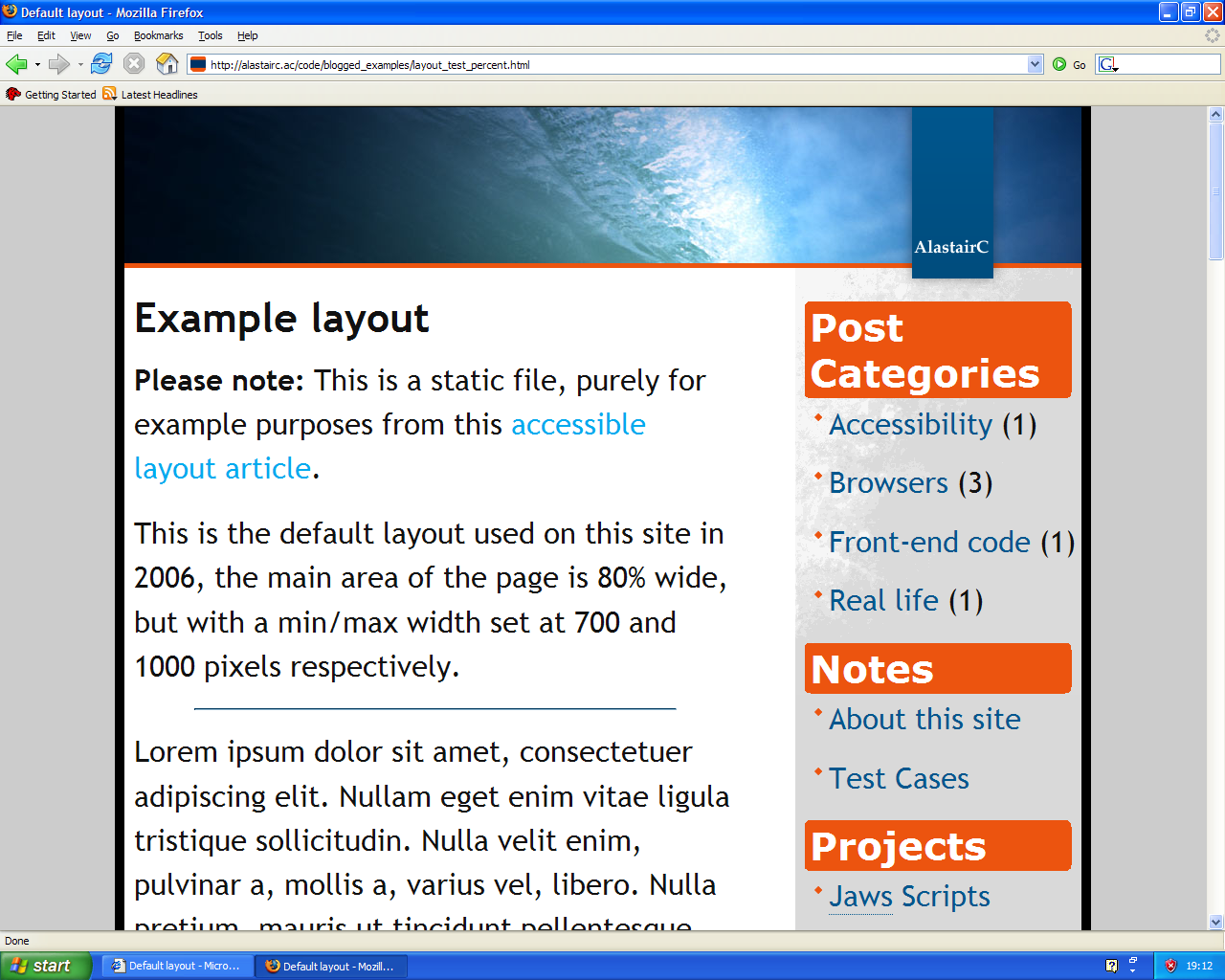
(NB: All screen shots from Windows were taken on a Virtual Machine running XP Pro, at 1280×1024, and with Cleartype on.)
IE6’s text-zoom may seem somewhat limited, but in general use on different web sites its larger setting is reasonable, especially if you use its accessibility settings to ignore specified font sizes. For those with mild visual impairment (e.g. me without my glasses), it is usually adequate.
There are two main problems stemming from how sites have been developed: inflexible sites, and text within images.
Non-’bulletproof’ sites
Many sites are developed without visual impairments (or non-IE browsers) in mind, and they try to lock the font sizes to fit the design. Locking font-sizes is only partially possible in IE on Windows, and not at all in other browsers. Sometimes the site designers don’t realise it will break when people force the use of larger font sizes, and using text-zoom will cause overlapping areas or hidden text on many sites:

Sites which are not designed with flexibility in mind can be a nightmare for people with mild to moderate visual impairments. The opposite approach is to allow for flexibility, which Dan Cederhom coined as Bulletproof web design.
This aspect of accessibility is covered in WCAG as using relative fonts, currently missing from WCAG V2.
Images showing text
Text which is displayed by using images will not expand when you increase the text size. If the text is reasonably large (e.g. the same or larger than the text at a large setting in Internet Explorer), then it won’t be a problem for those using text-zoom. However, small text within images can be a real problem:
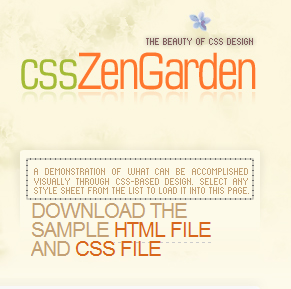
The outlined text is an image, with text at about 6 pixels high, the second paragraph is the large size within IE6. No matter what settings you select in the browser, a text-zoom will not expand image-text.
This is the same portion of text shown with standard browser settings:
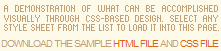
The example is from the CSS Zen Garden, and as a site intended to demonstrate CSS designs, the methods used are understandable and for some designs necessary. However, I wouldn’t use image replacement techniques for general-public sites.
Using images for text is covered in use markup rather than images to convey information. The advantage of the image replacement technique is that (theoretically) the user can turn of the styling and get regular text. However, that is of little comfort to most people who don’t know how.
Magnification style zoom
Two browsers offer a type of zoom which increases the size of all elements: Opera and IE7. Opera has been doing this function for many years and several versions, IE7 is the new pretender with regard to zoom functionality. (NB: Firefox has an image zoom extension, but it isn’t aiming to be a general magnification tool.)
The IE team made a big deal about the IE7 zoom function, and the way it increases images looks great. It doesn’t just increase the size and create a large pixelated version of the image, it effectively re-sizes the image in a similar way to a graphics program, smoothing the image.
However, looking at the same image expanded with Opera 9’s zoom it is difficult to notice any difference - Opera must be employing a similar technique. (Compare the image, logo and icons on Yahoo at 400% in Opera and 400% in IE7.)
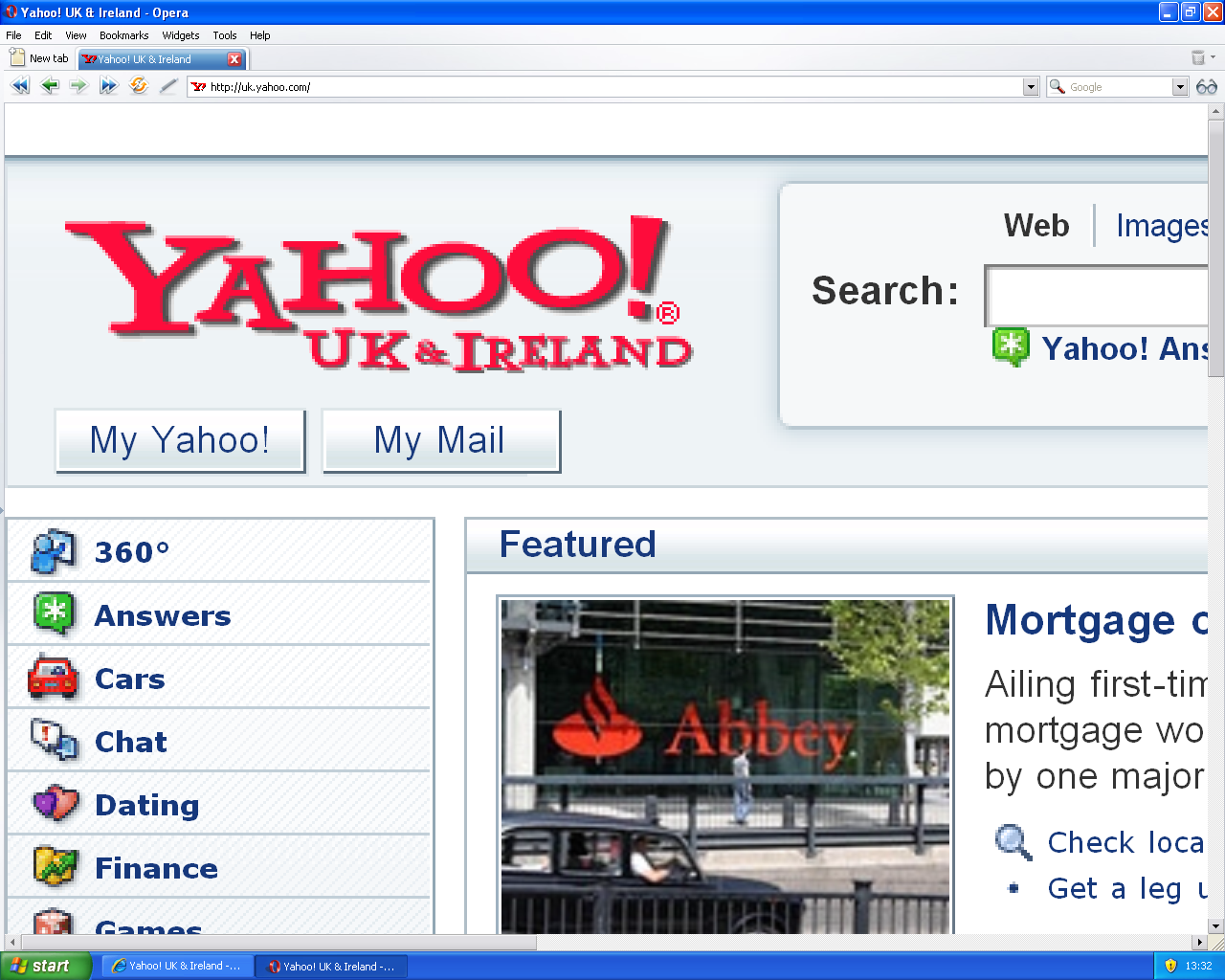
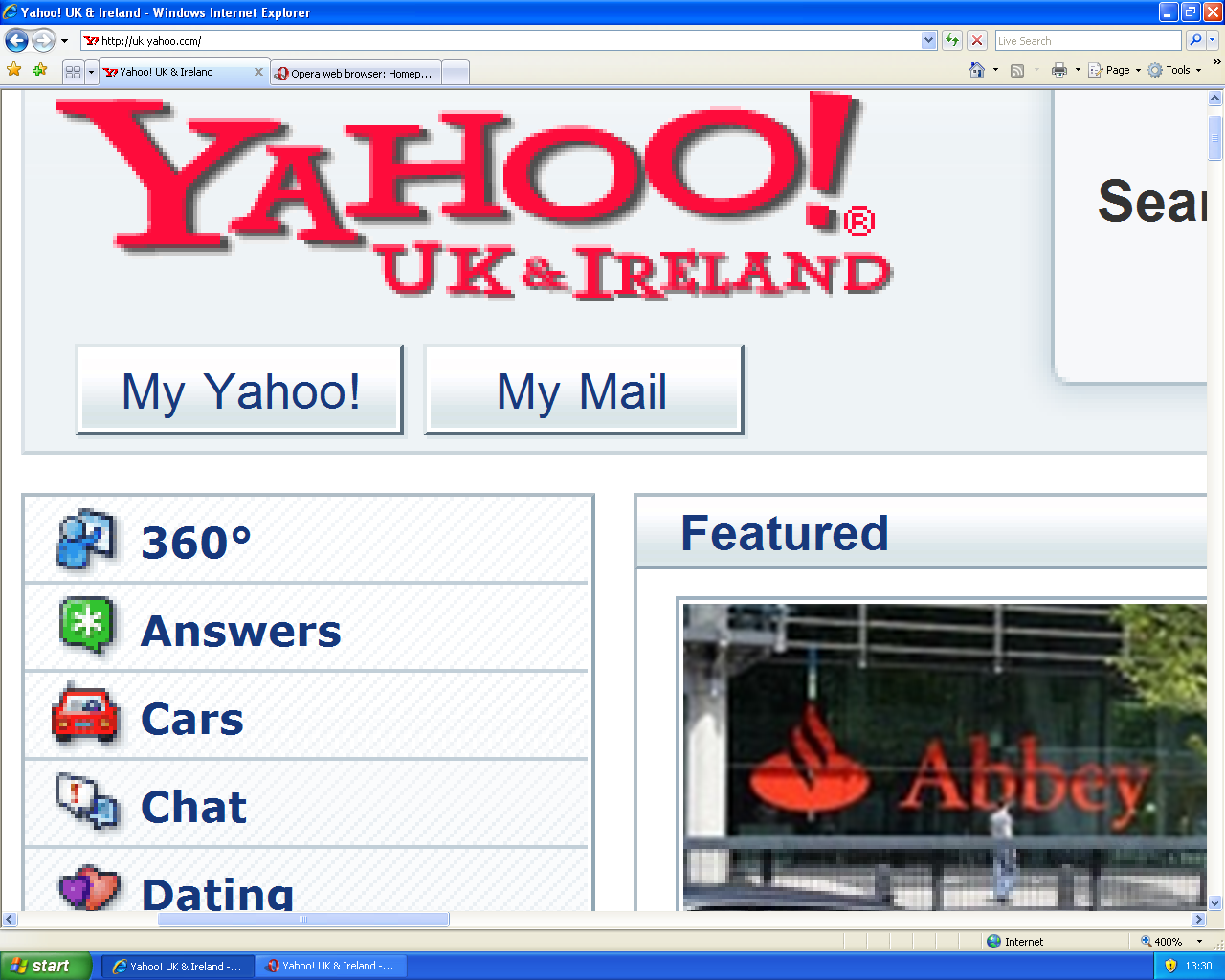
IE7’s zoom is useful for sites that use a narrow fixed width design like BBC news:
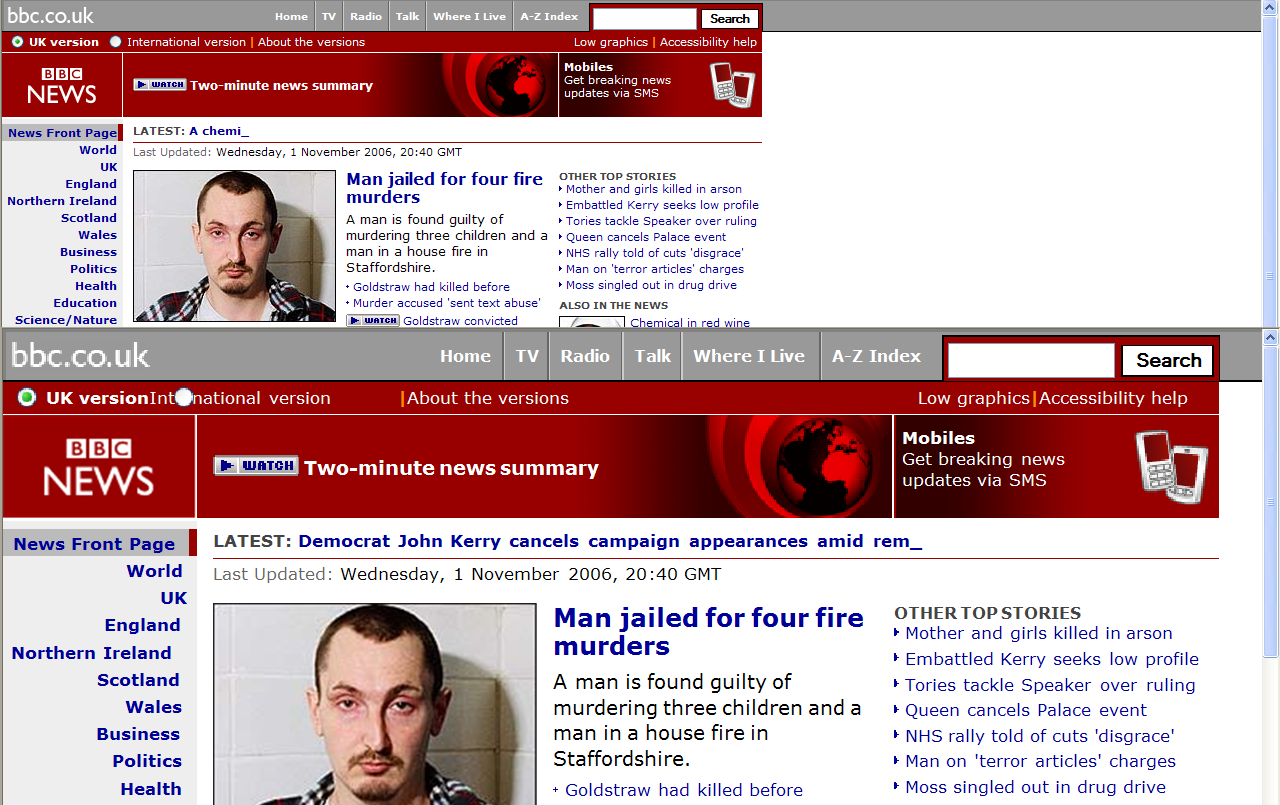
But the main disadvantage I’ve found with IE7’s zoom is that it often introduces horizontal scrolling, especially on sites using a liquid design. IE7’s style zoom would be useful for people on high-resolution monitors bumping up sites that have fixed their design at 800px wide, but it is not useful on sites with a larger width or a flexible width.
Using the IE blog as an example, at 150% zoom you loose the right side navigation, and can’t read a whole line of text without scrolling:
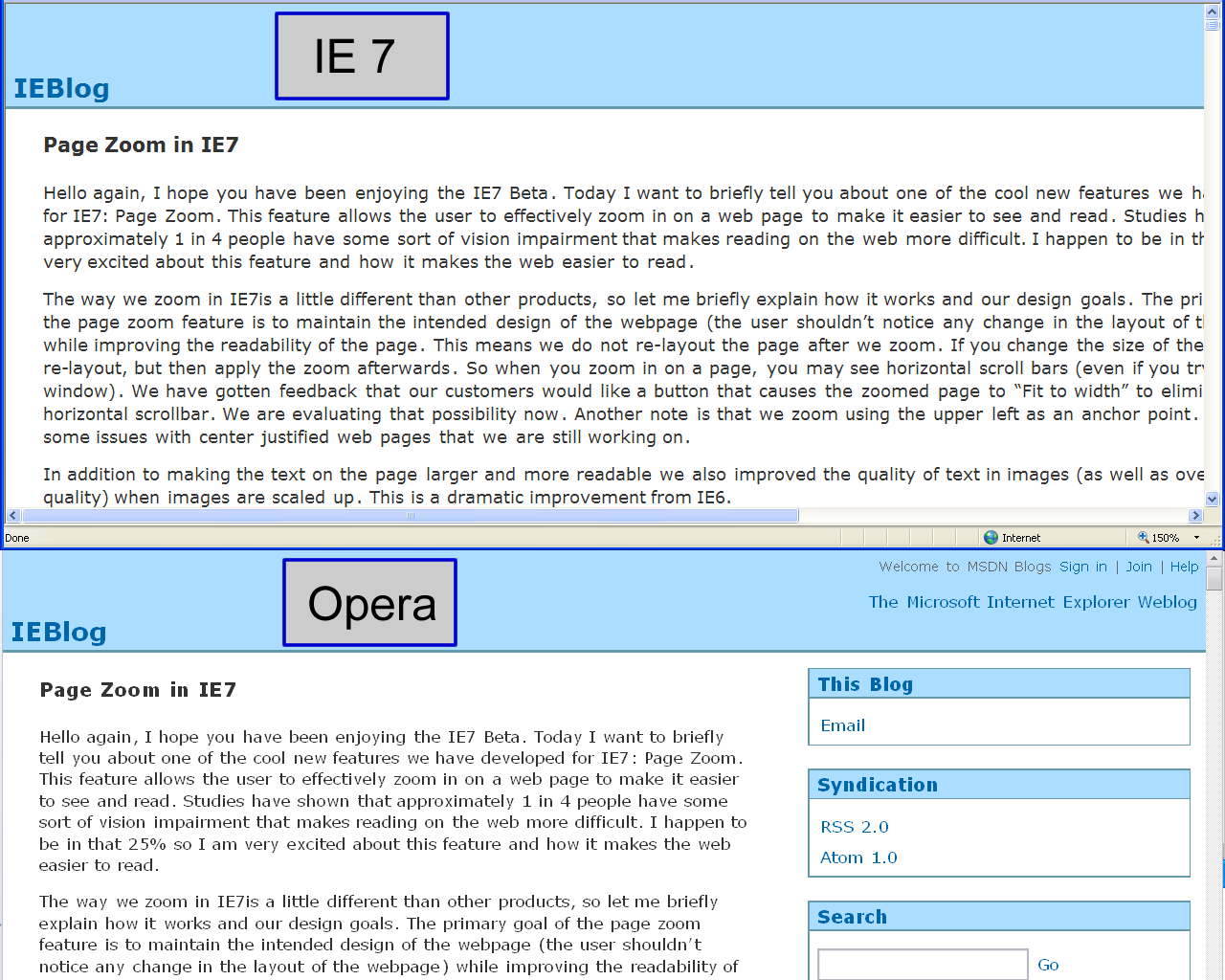
Opera on the other hand employs a kind-of max-width, at least up to a point. The IE team is aware of this shortcoming, and it should be fixed in the next version of IE. Given that good CSS support is relatively new to IE, it could be hard work as the zoom functionality is probably closely tied with the rendering.
Rating the browsers
All of the popular browsers apart from Opera allow the user to increase text size, with the caveat that IE6 & IE7 only work for certain units, and won’t increase the oft-used pixel size fonts.
Opera and IE7 have a more advanced zoom functionality, that increases the size of all the elements on the page, not just the text.
Comparison of zoom features across popular browsers
| Function | IE6 | Safari | Firefox | IE7 | Opera |
|---|---|---|---|---|---|
| Text Zoom |  |
|
|
|
 |
| Text zoom on any font unit | |
|
|
|
|
| Magnifying zoom | |
|
|
|
|
| Intelligent magnifying zoom | |
|
|
|
|
Which is the best?
Generally speaking, people with mild visual impairments can usually just increase the text size for more comfortable reading, so any of the browsers except IE6 would do the job.
This is the same for people with a new laptop or monitor that has a high resolution for its size. For example, the Dots Per Inch (DPI) of a typical (old) 15″ monitor at 1024×768px is 85.3. My laptop monitor is 16″ with a native resolution of 1600×1200px, a DPI of 125 which makes text appear 1/3 smaller! (Logical DPIs.)
It has probably become clear that Opera has the best all-round zooming function if you need anything more than slightly bigger text, or if a site uses images to display small text. Opera’s zoom works on a greater range of sites, as the algorithms employed aim to reduce the horizontal scrolling, keeping sites usable at a greater magnification.
For people with moderate to severe visual impairments, Opera would be a good browser, but other aspects of the computer would be very difficult to use without a general screen magnifier.
Technorati Tags:
- ← Previous
Raising the bar of mobile browsing - Next →
Using label for phishing